Translate your Odoo in one click.
Sell in new countries and open up your internal recruitment internationally by instantly translating your Odoo with AI.
✅ 100% automatic translations
🏆 First translation module on the Odoo marketplace
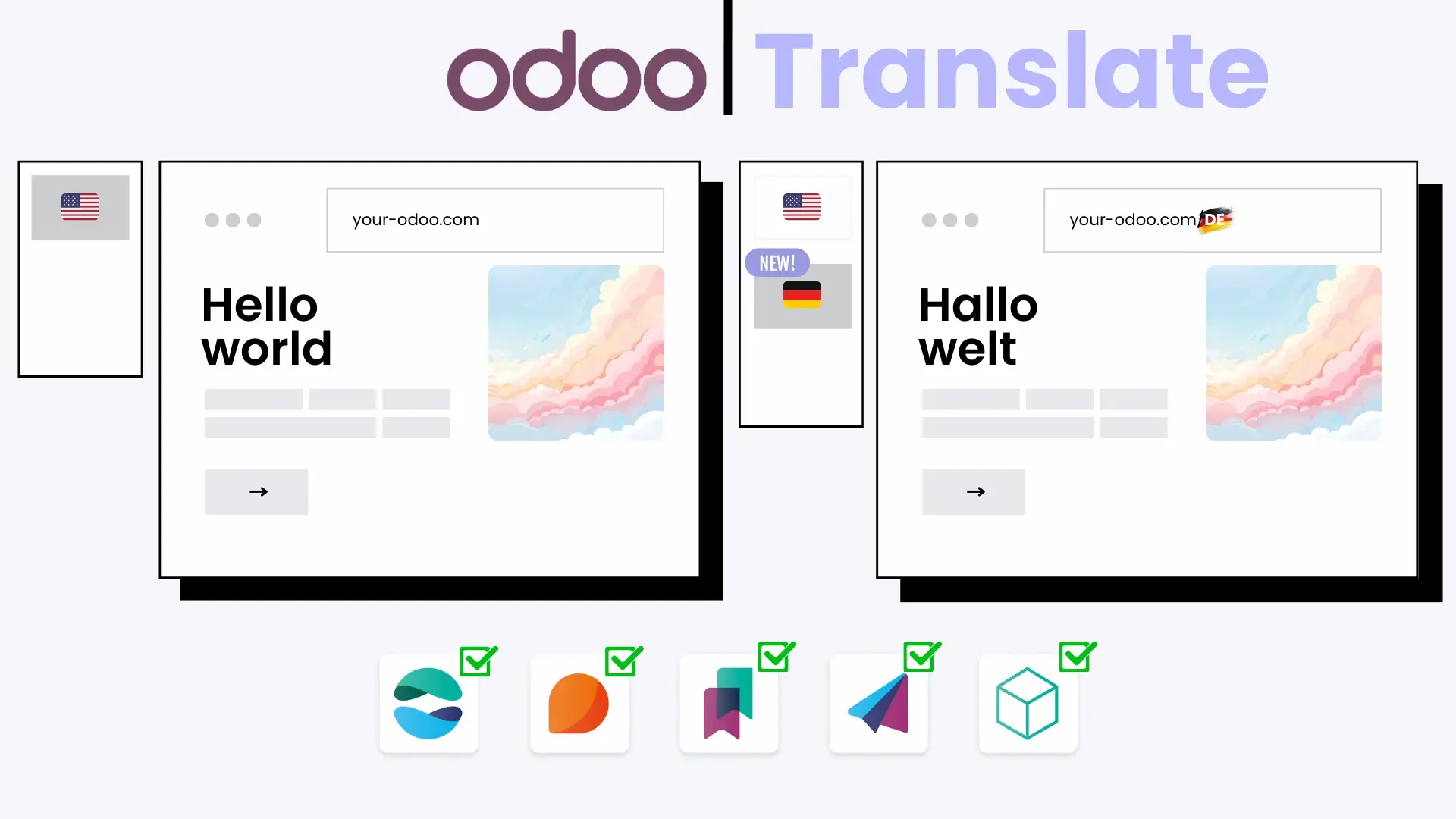
Your entire Odoo is translatable!
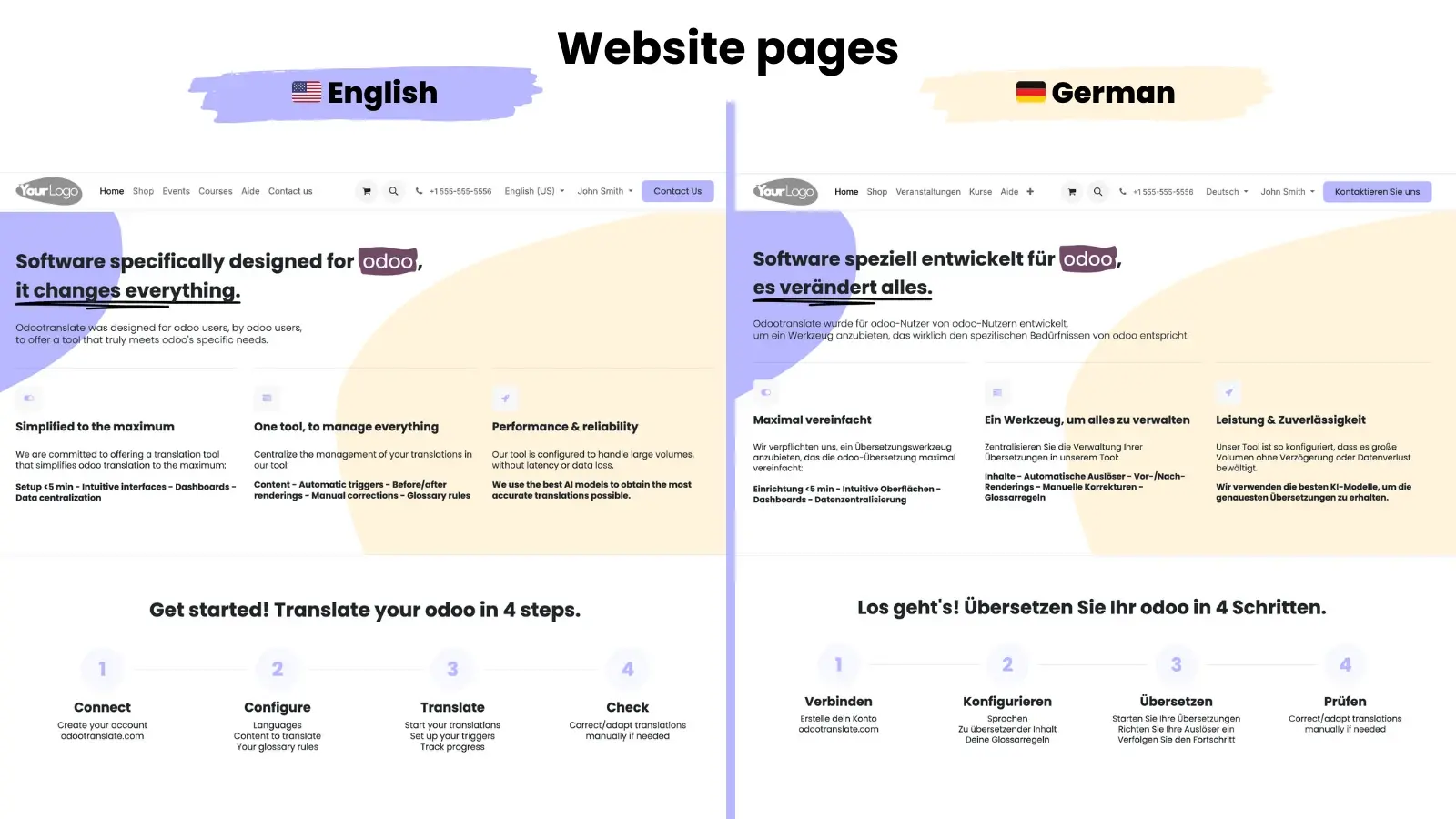
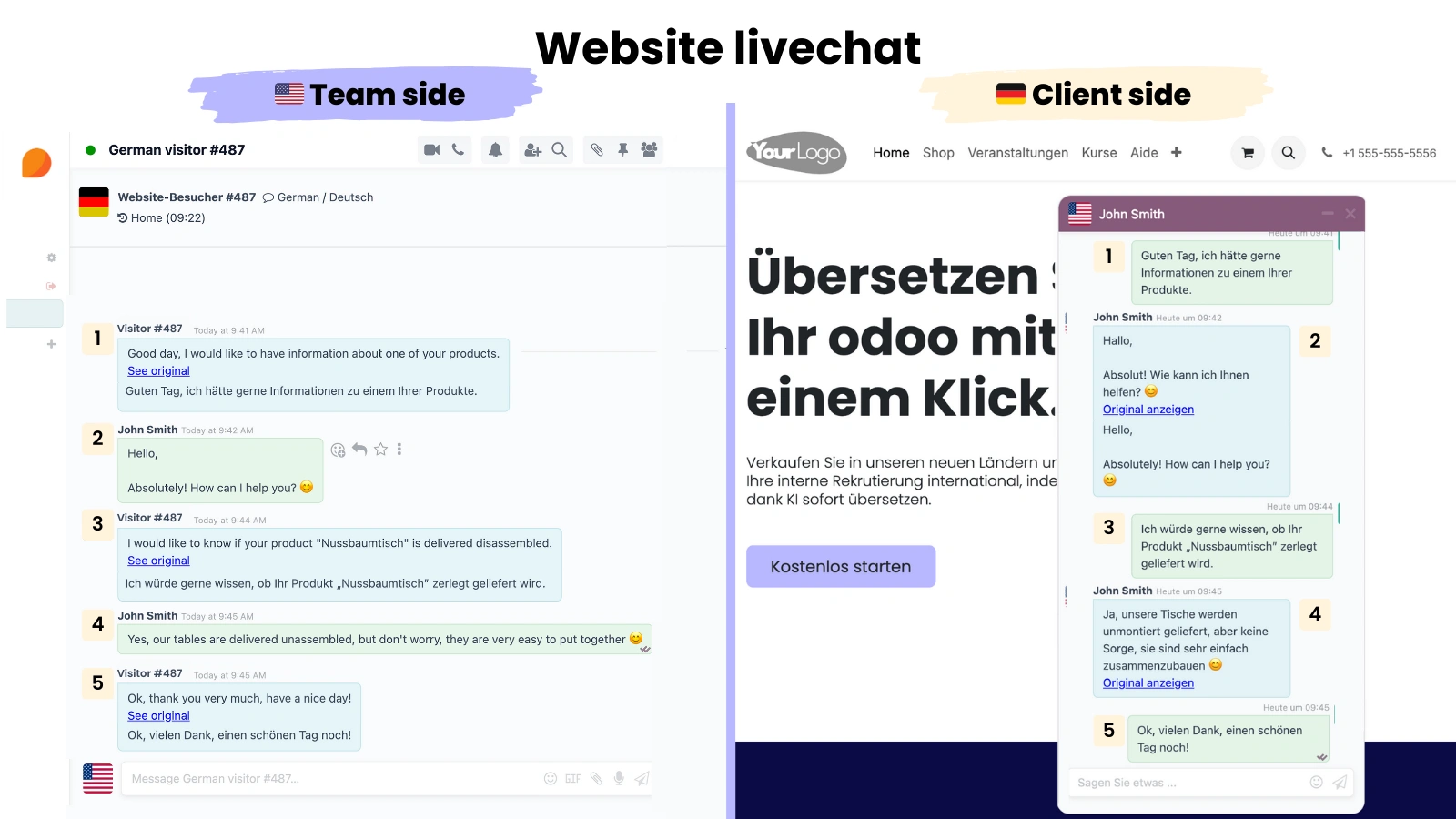
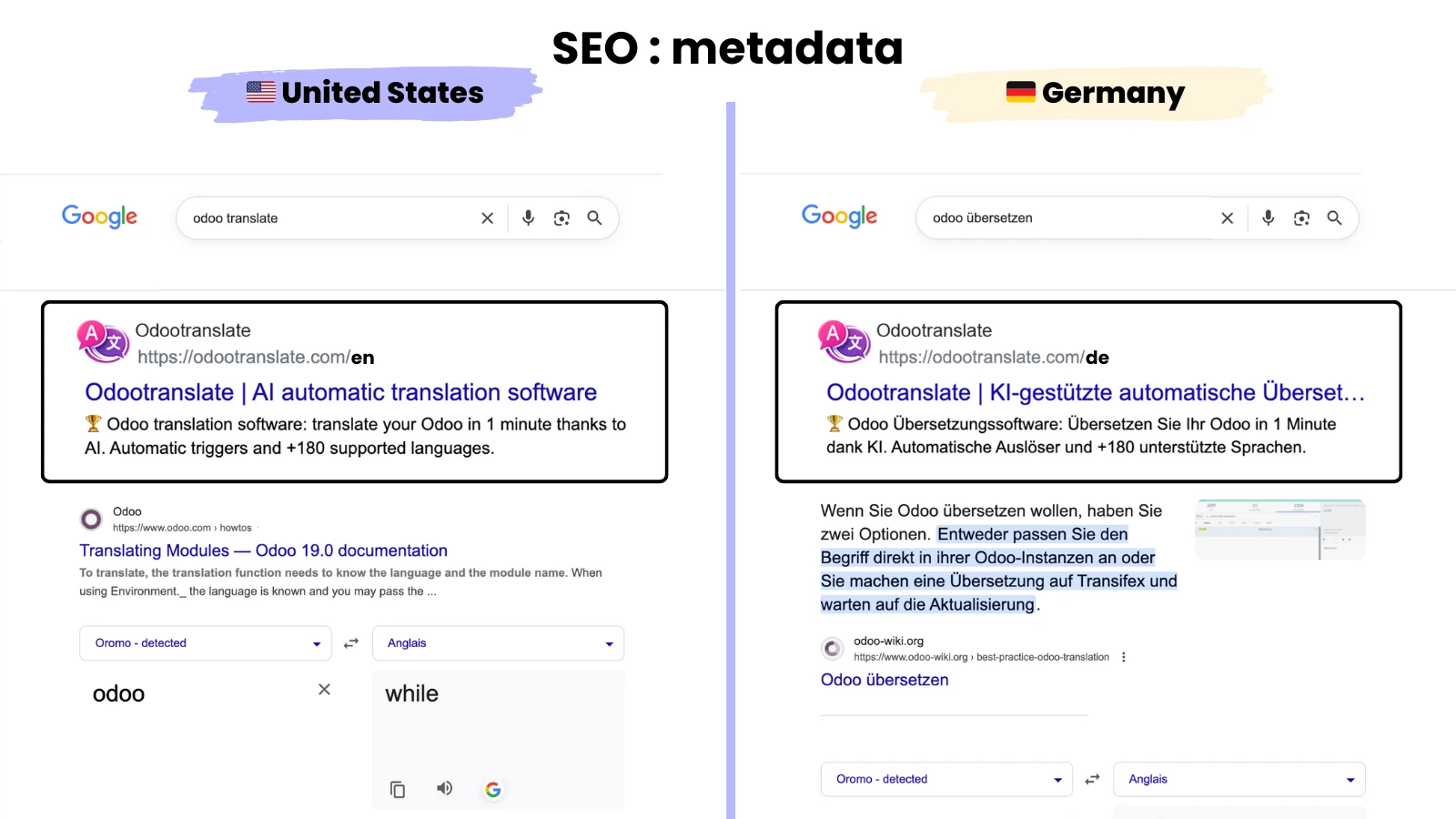
Website 🚀
Translate your website and sell in new countries
Pages
Products
Blog posts
Forum & e-learning
Live chat
Metadata (SEO)
Knowledge 🧠
Translate your documentation to facilitate collaboration between your multilingual teams and/or assist your international customers.
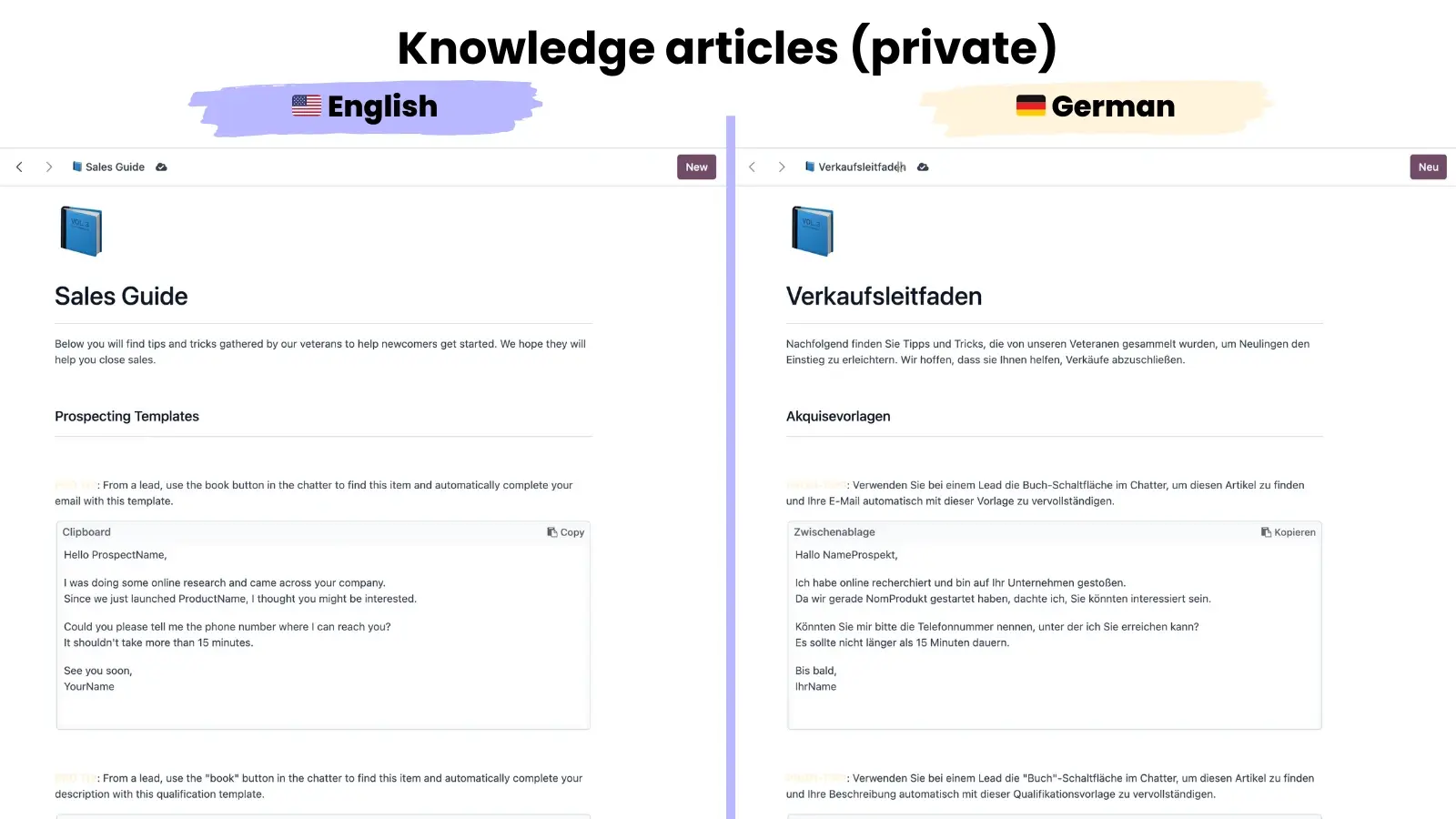
Internal documentation (private)
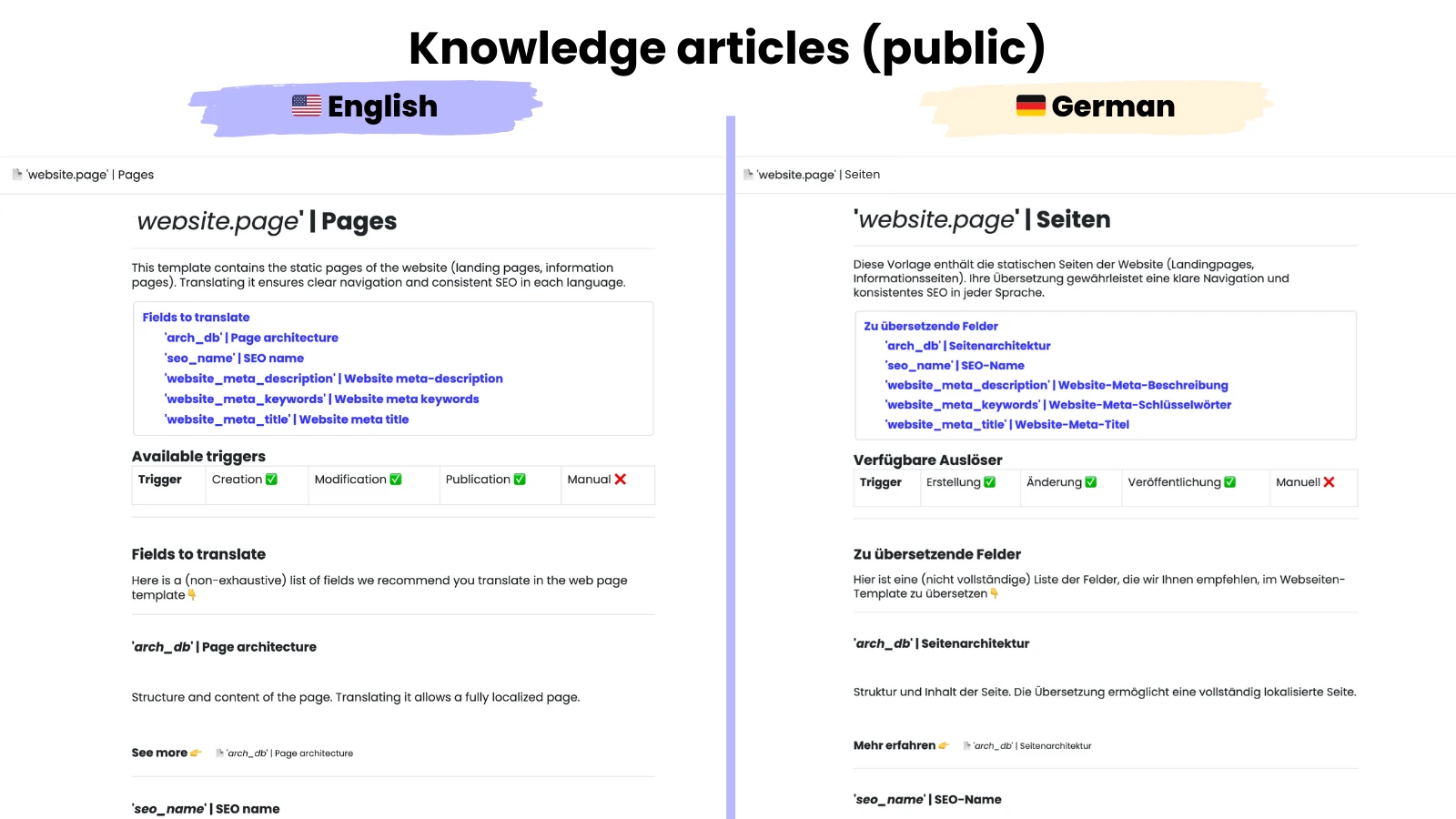
External (public) documentation
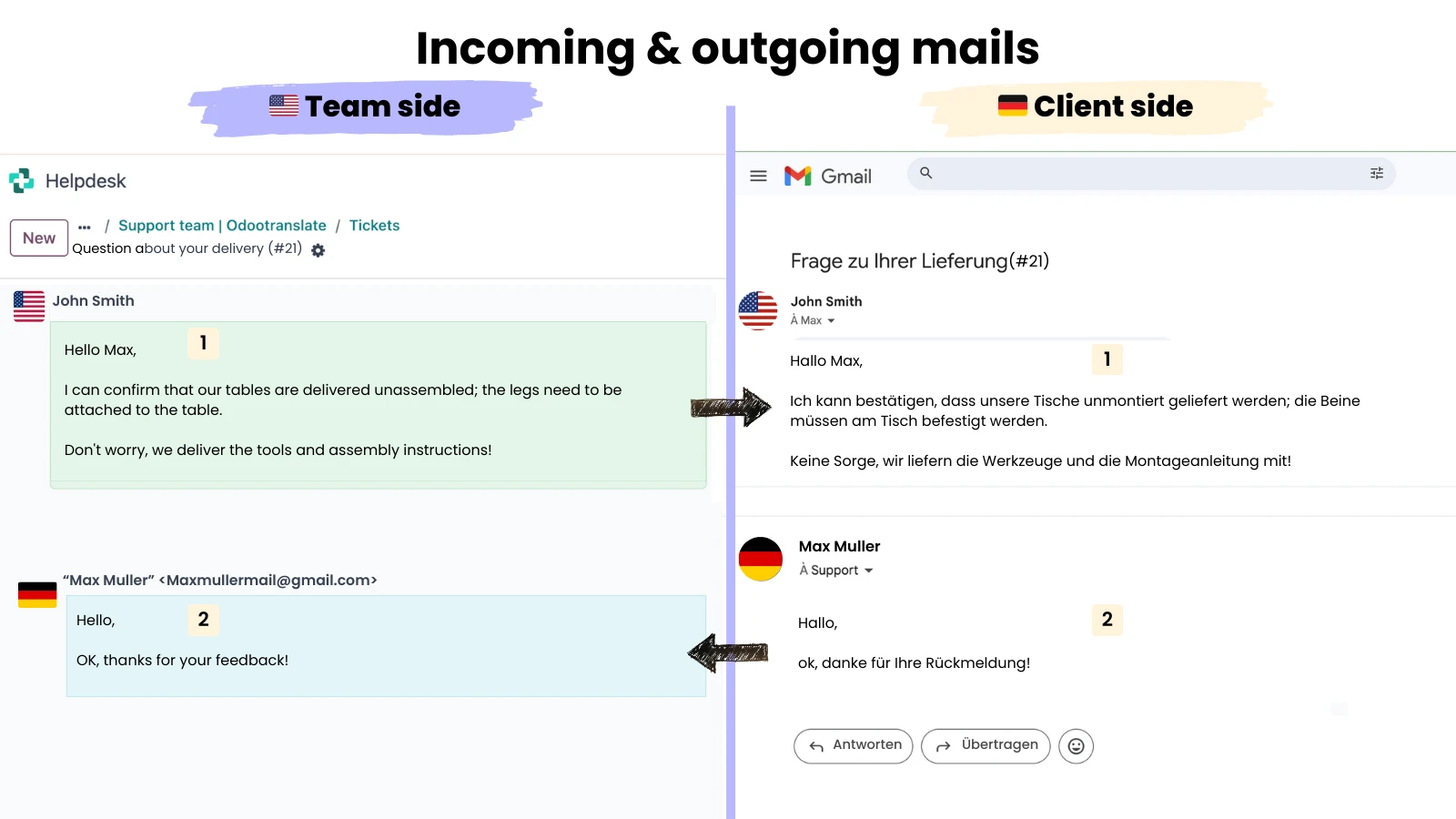
Discussions 💬
Simplify customer-team interactions and internal messaging for your multilingual teams.
Take advantage of our WINNIE© sensitive data protection system.
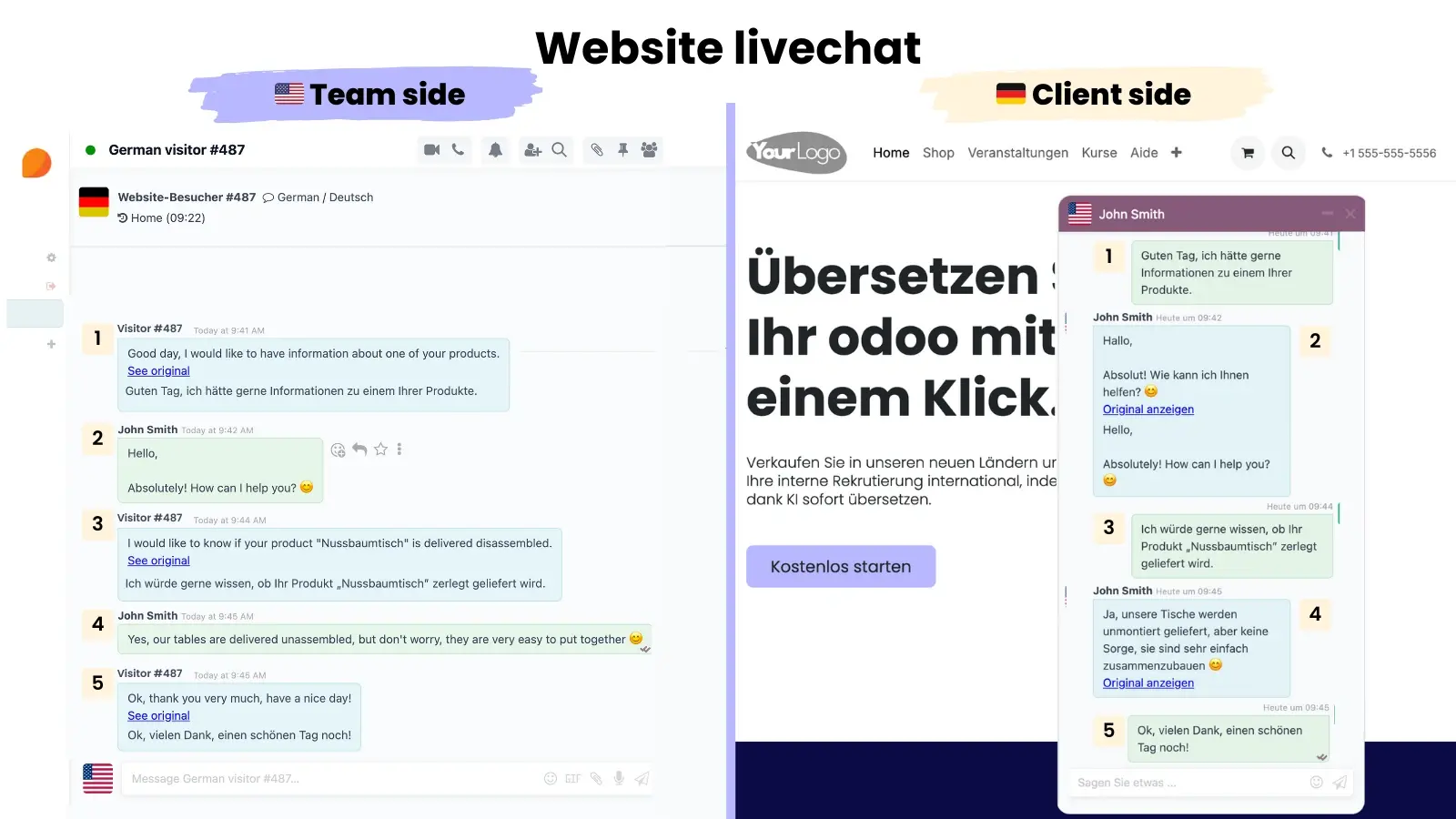
Live chat
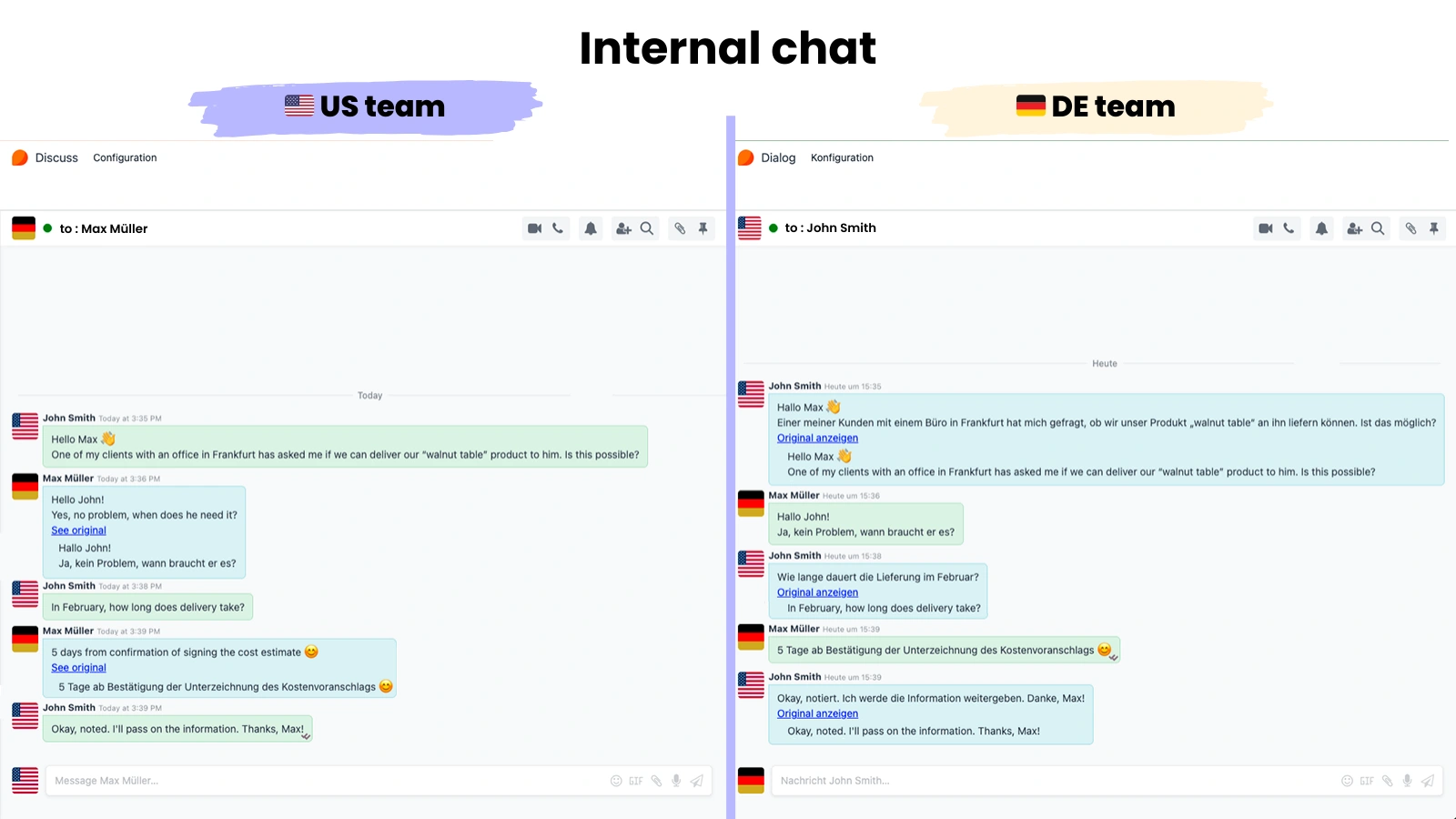
Internal messages & notes
Incoming & outgoing emails
WhatsApp messages
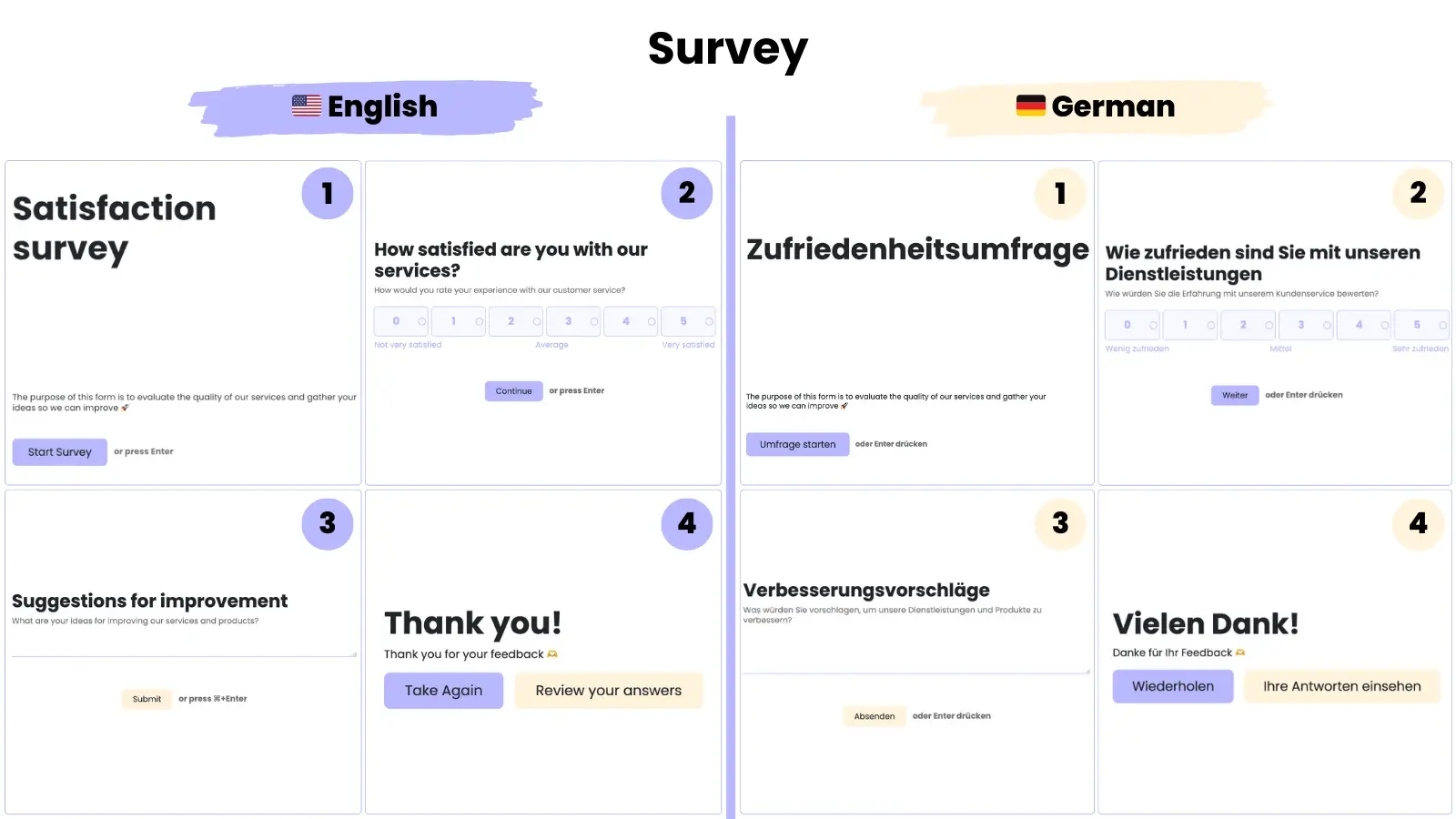
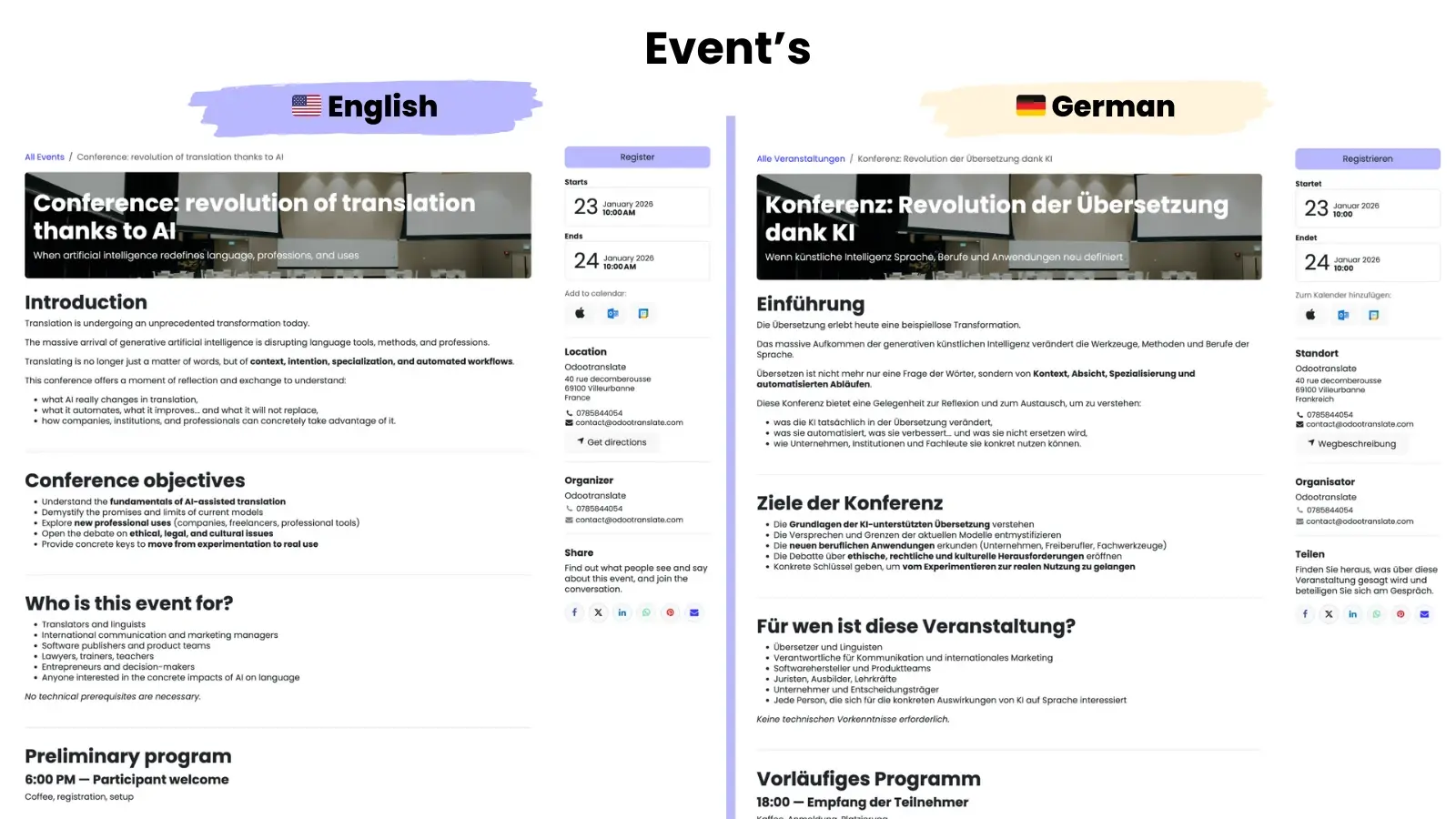
Marketing ❤️
Tailor your marketing message to the nationalities of your audiences
Investigations
Events
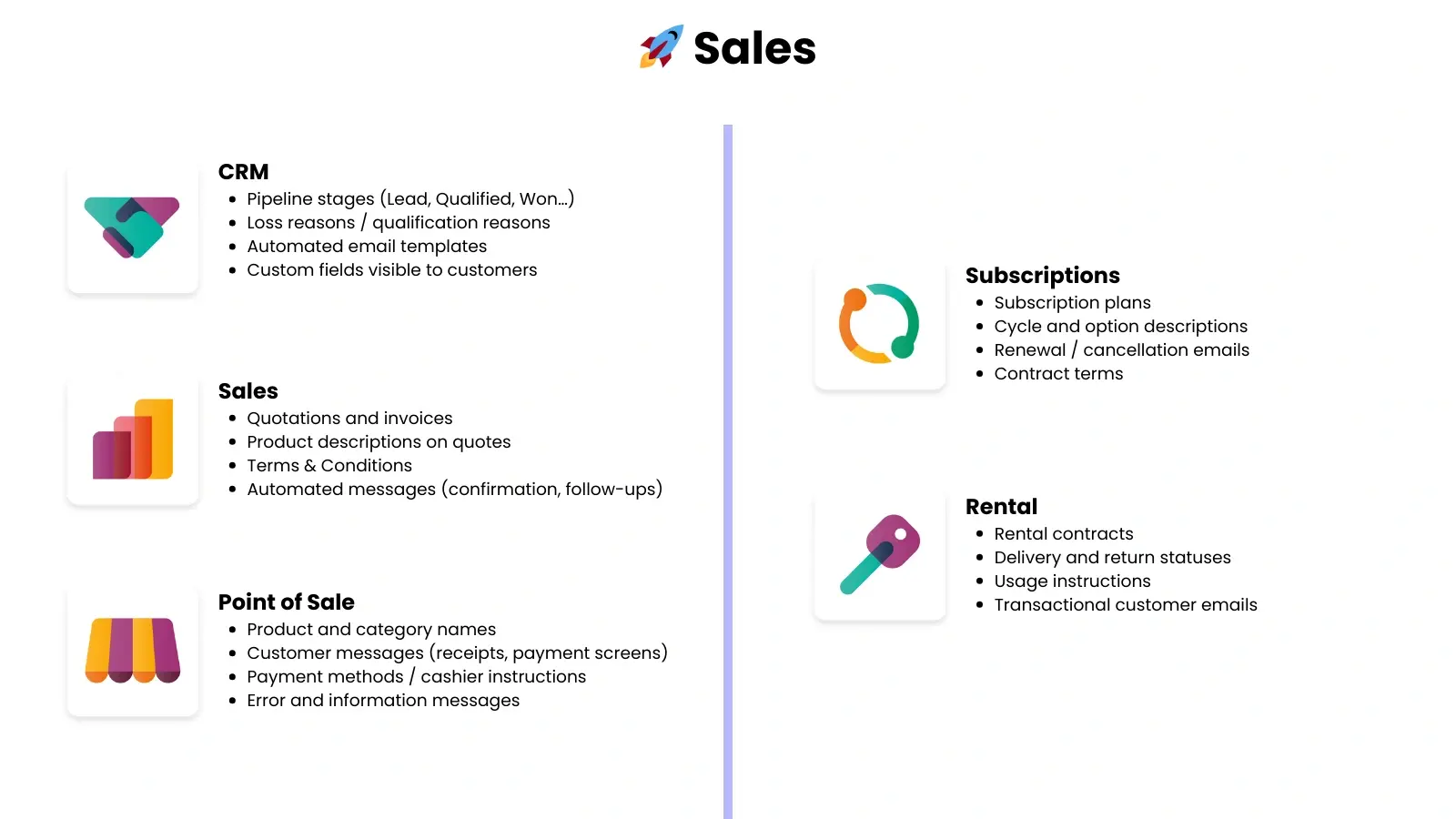
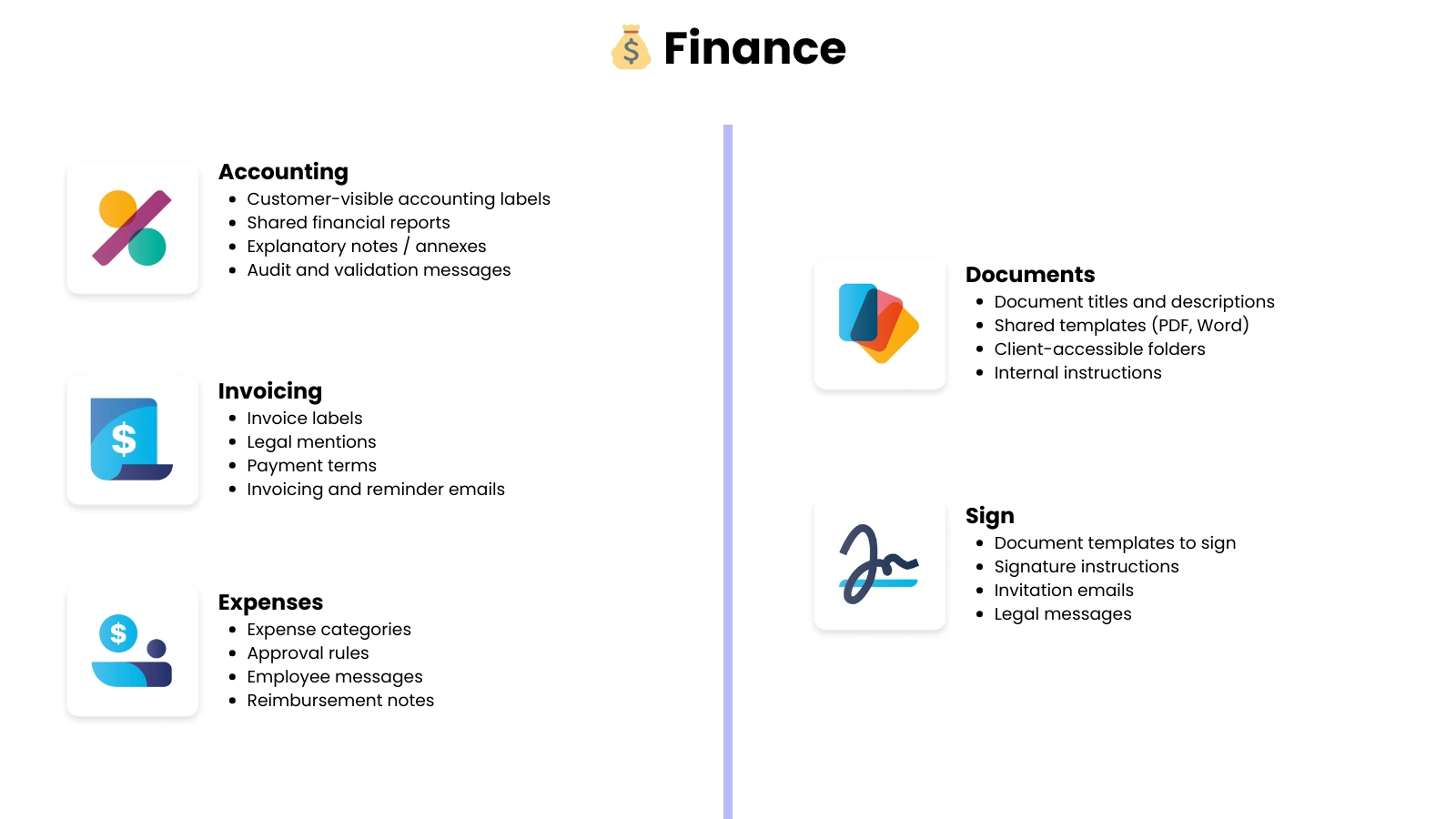
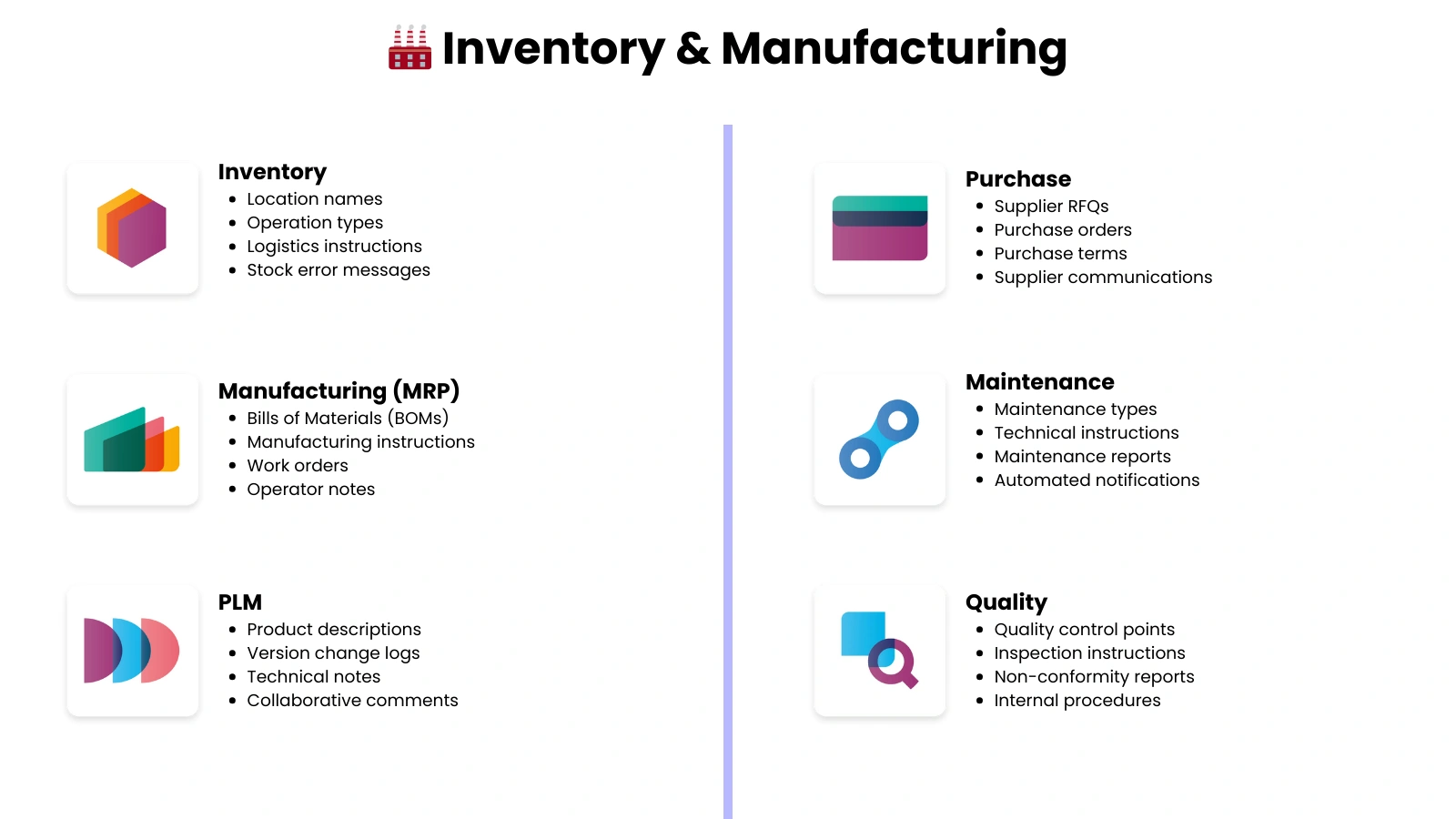
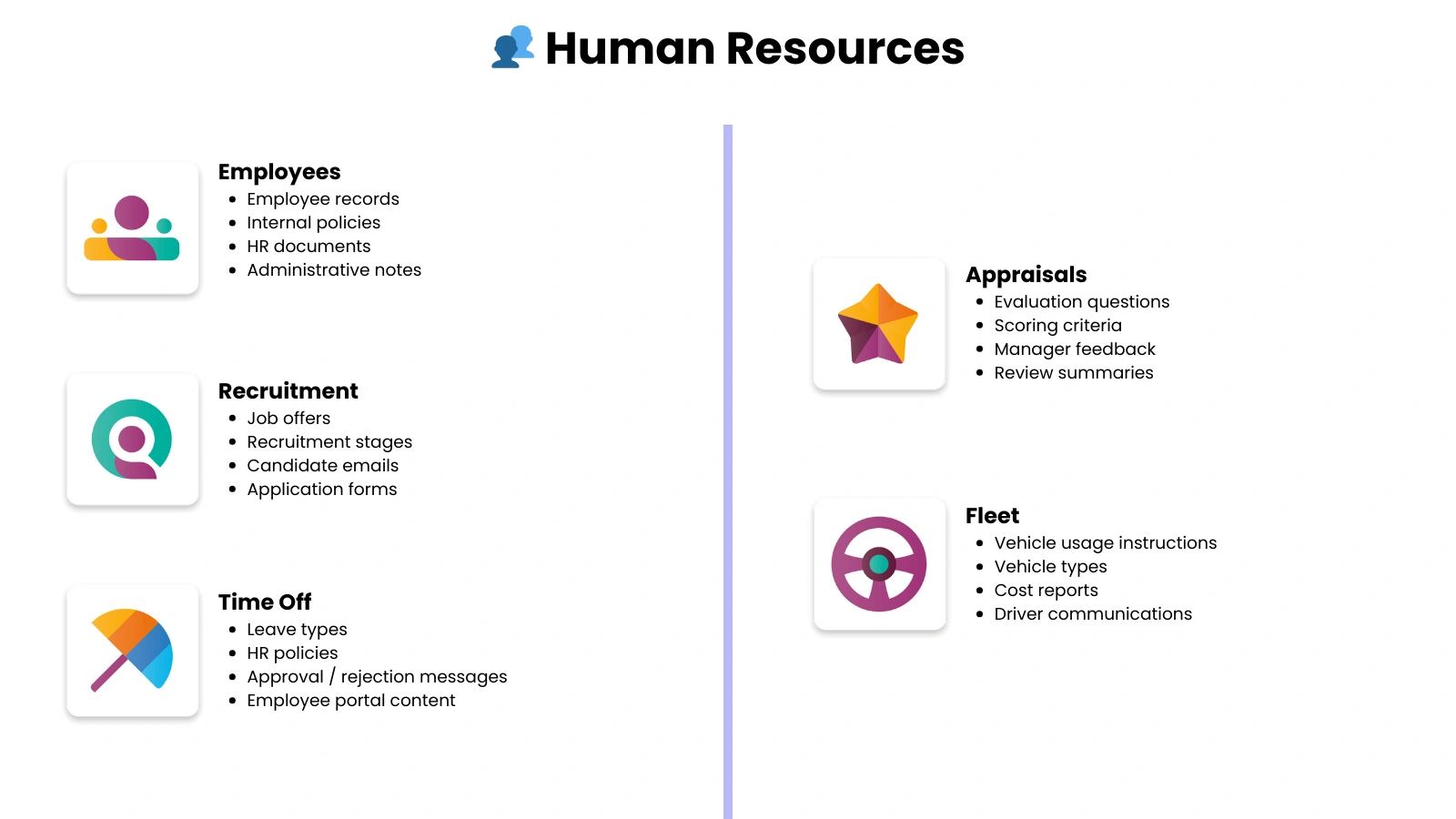
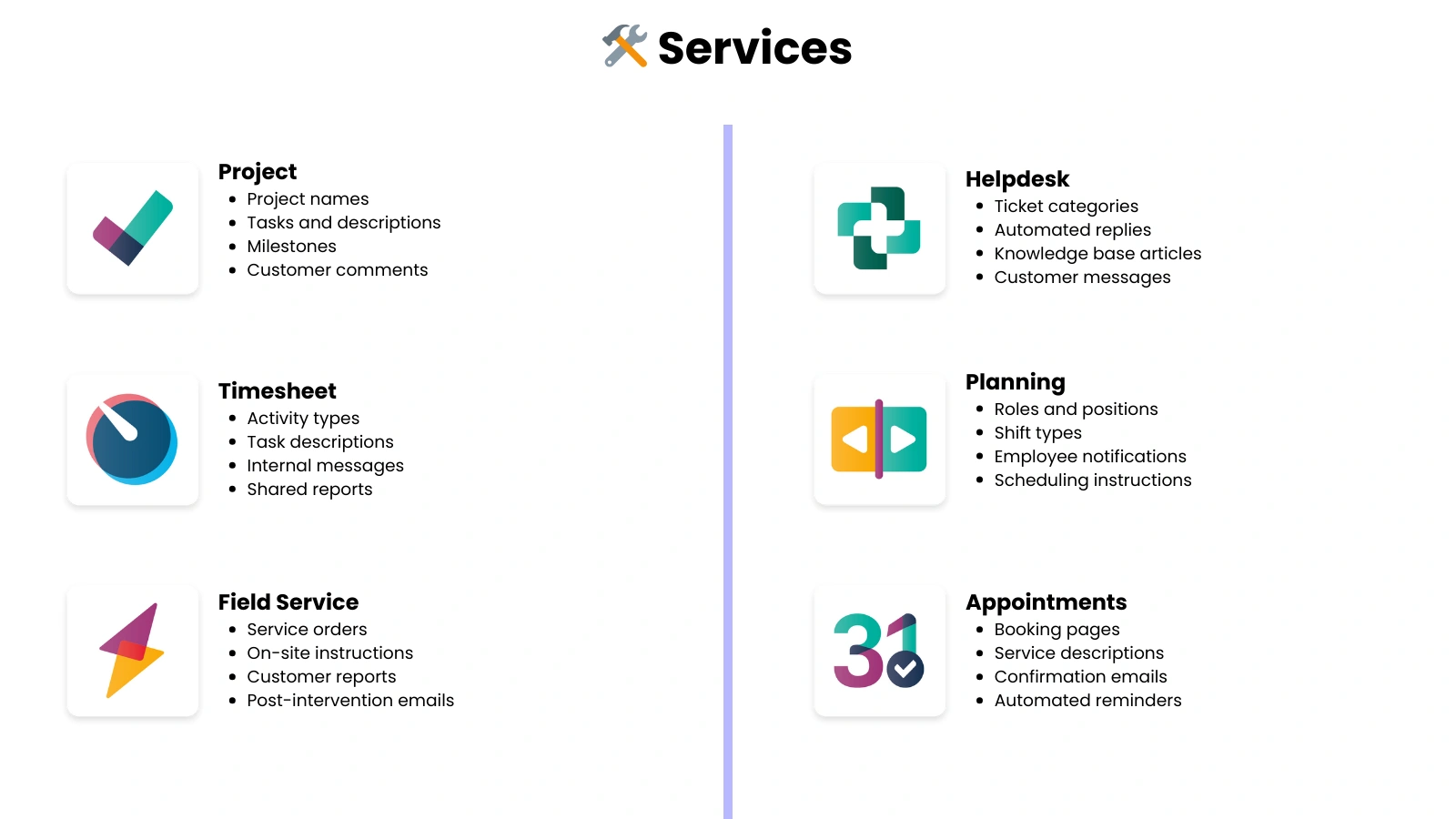
Other applications 🔎
Translate all content in native Odoo applications
Sales
Finance
Inventory & Manufacturing
Human resources
Services
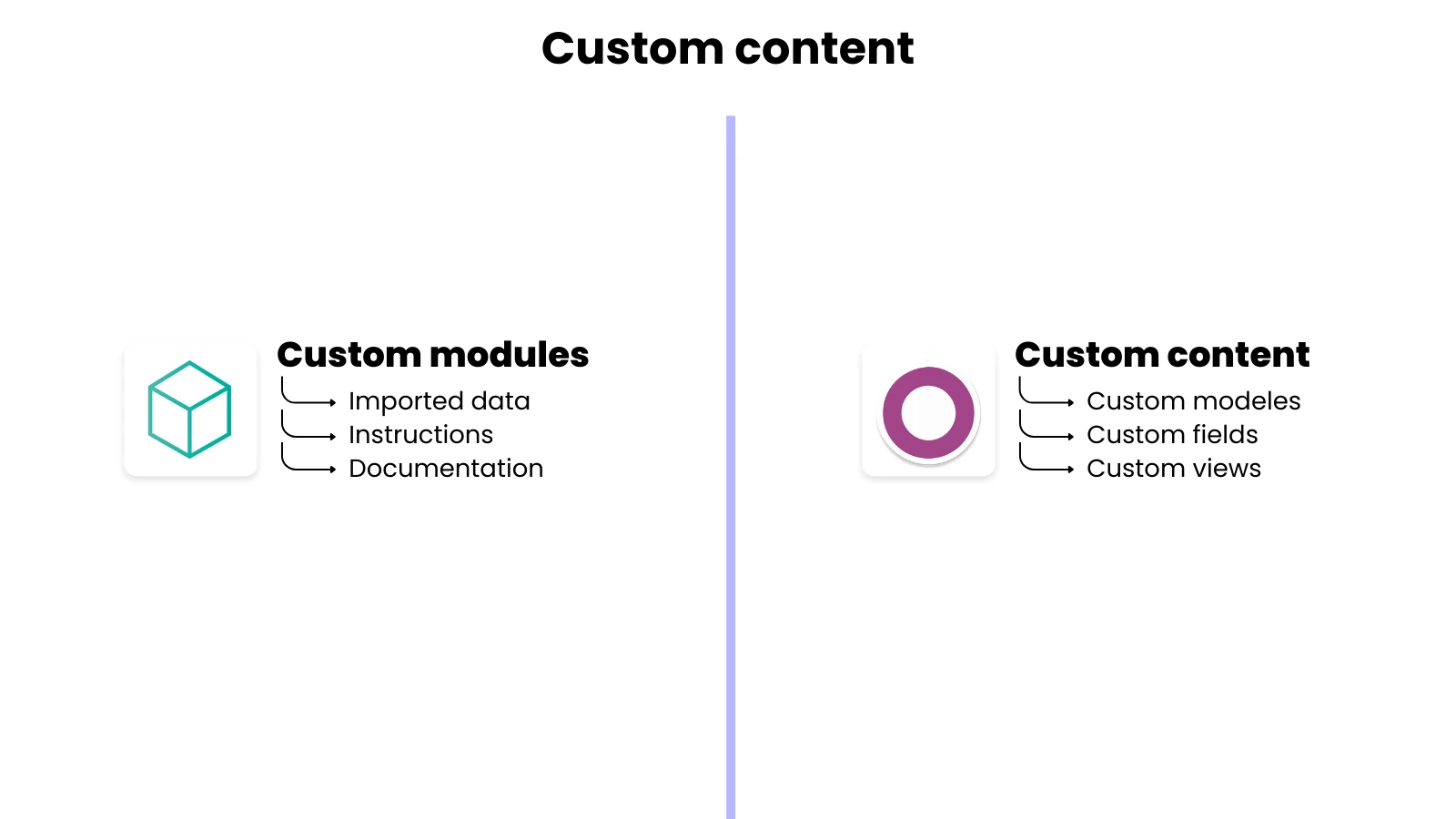
Customization 🧩
Translate all content related to your customizations, specific to your Odoo.
Custom models
Custom fields
Custom views
Custom modules



Start your translations manually and keep
them up to date automatically.
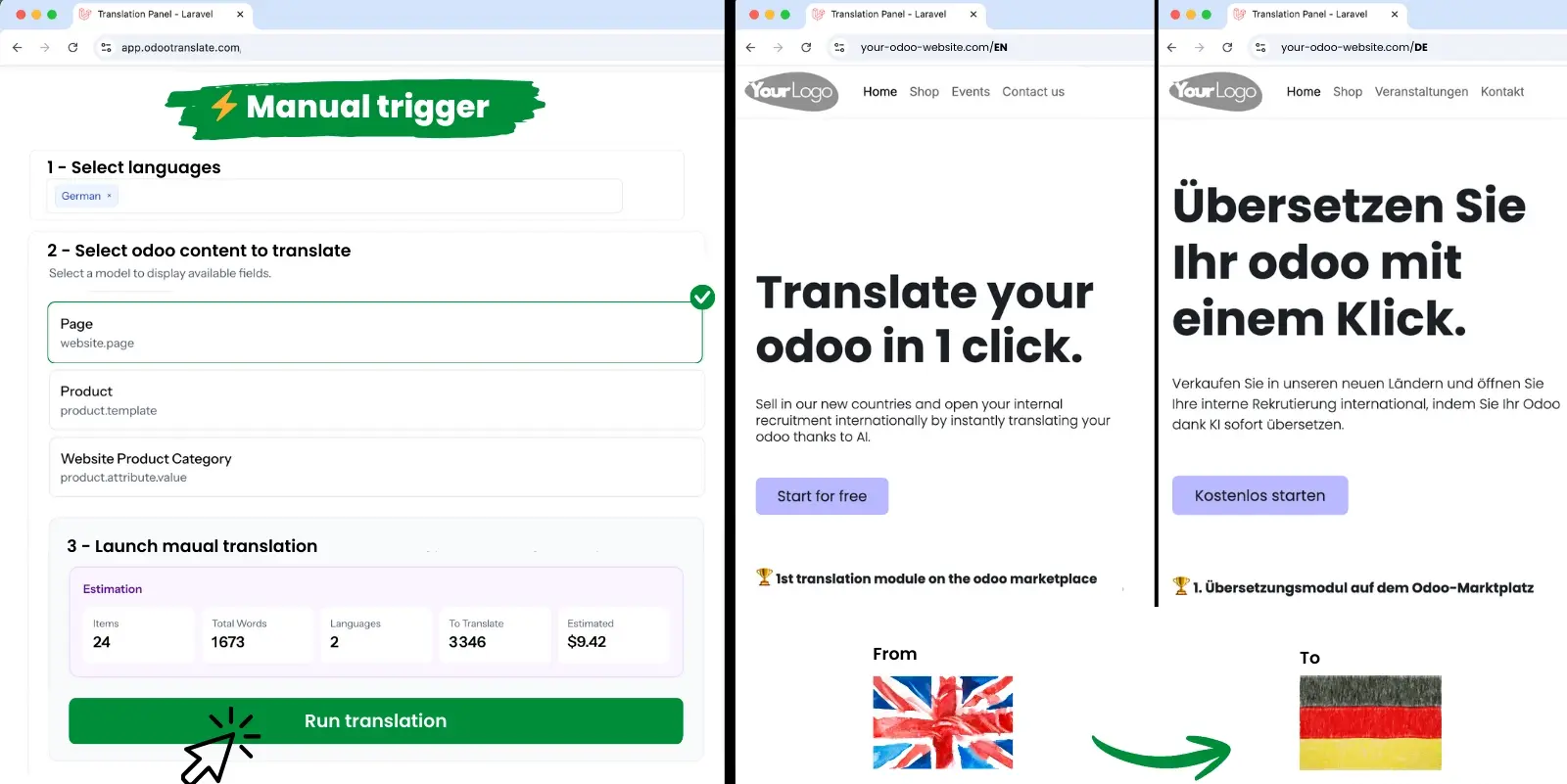
Want to translate specific Odoo content?
Select the language, the content to translate, and start the translation.
Congratulations, your content has just been translated 🥳
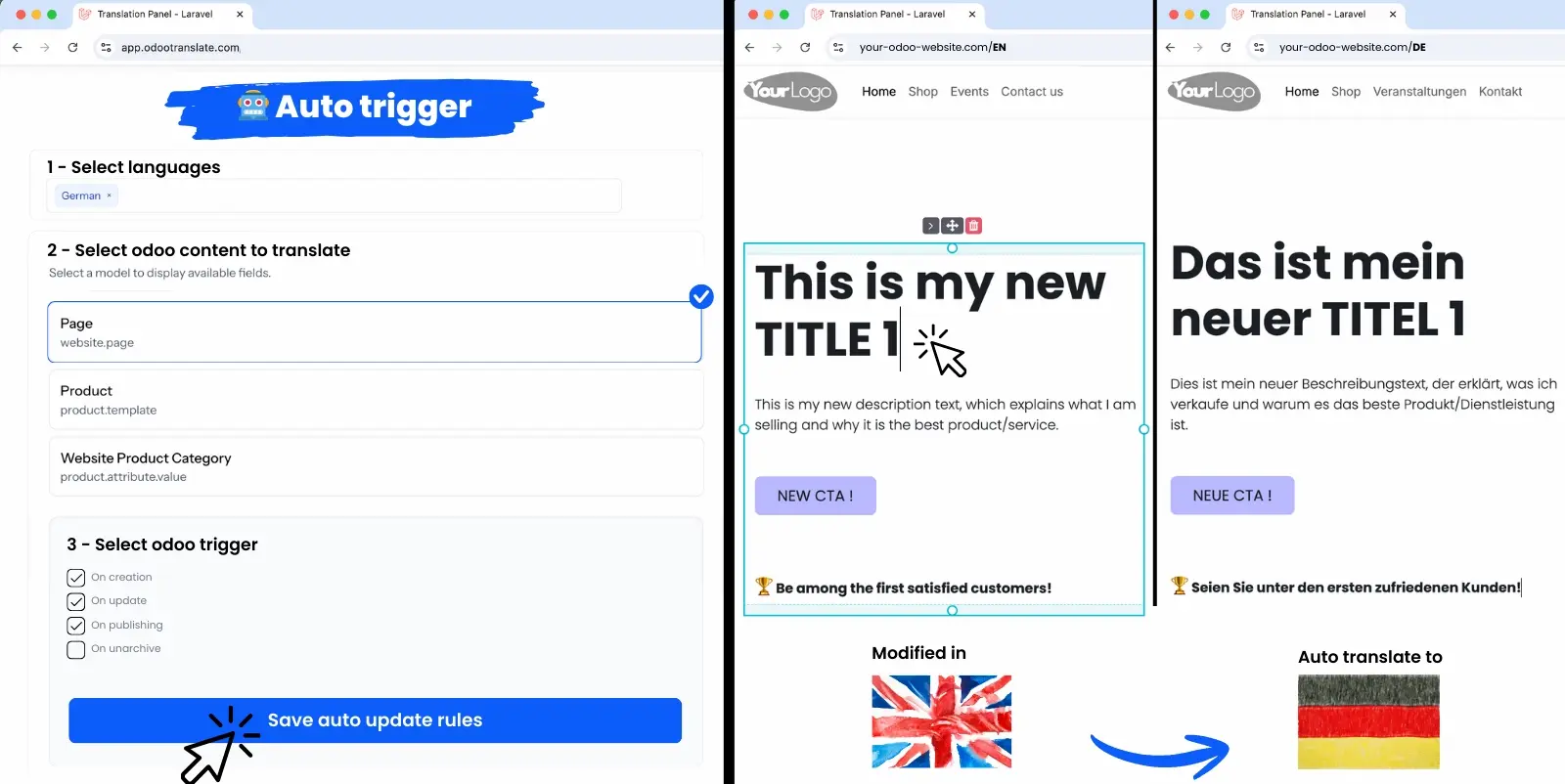
Would you like your content to be translated automatically, without any action on your part?
Select the language, the content to be translated automatically, and your Odoo triggers.
Congratulations, your content will be translated automatically 🥳
Software specifically designed forOdoo changes everything
.
Odootranslate was designed by and for Odoo users, to provide you with a tool that truly meets the specific needs of Odoo.
Simplified as much as possible
We are committed to providing a translation tool that simplifies Odoo translation as much as possible:
Installation in less than 5 minutes - Intuitive interfaces - Dashboards - Data centralization
One tool to manage everything
Centralize the management of your translations in our tool:
Contents - Automatic triggers - Before/after renderings - Manual corrections - Glossary rules
Performance & Reliability
Our tool is configured to handle large volumes without latency or data loss.
We use the best AI models to get the most accurate translations possible.
Get started! Translate your Odoo in 4 steps.
1
Log in
Create your account at app.odootranslate.com
2
Configure
Your languages
Content to be translated
Your glossary rules
3
Translate
Start your translations
Set up your automations
Track progress
4
Check
Manually correct/adjust translations if necessary
Frequently Asked Questions
Yes! However, Odoo Online does not allow you to install modules from the marketplace; you will not be able to benefit from its advanced features.
Our tool calculates the number of words based on the content (fields) and the number of languages you select.
To access this cost simulation tool, you must create an account and provide your Odoo API key.
You can use our application free of charge for up to 2,000 words per month (in a single language). Beyond these limits, you will need to subscribe.
We have designed our application to be as intuitive as possible, however if you would like support with configuration, you can contact us.
Try Odootranslate,
it's free!
Access Odootranslate instantly and see for yourself how it works. Continue using it for free or upgrade to enjoy premium services.